Training mode
Adjust speed, repeat sections, choose audio layers and use visual guidance while you solve a musical problem.
Two modes, two jobs
Training gives you room to experiment. Evaluation gives you a complete result. Use each mode for the job it does best.


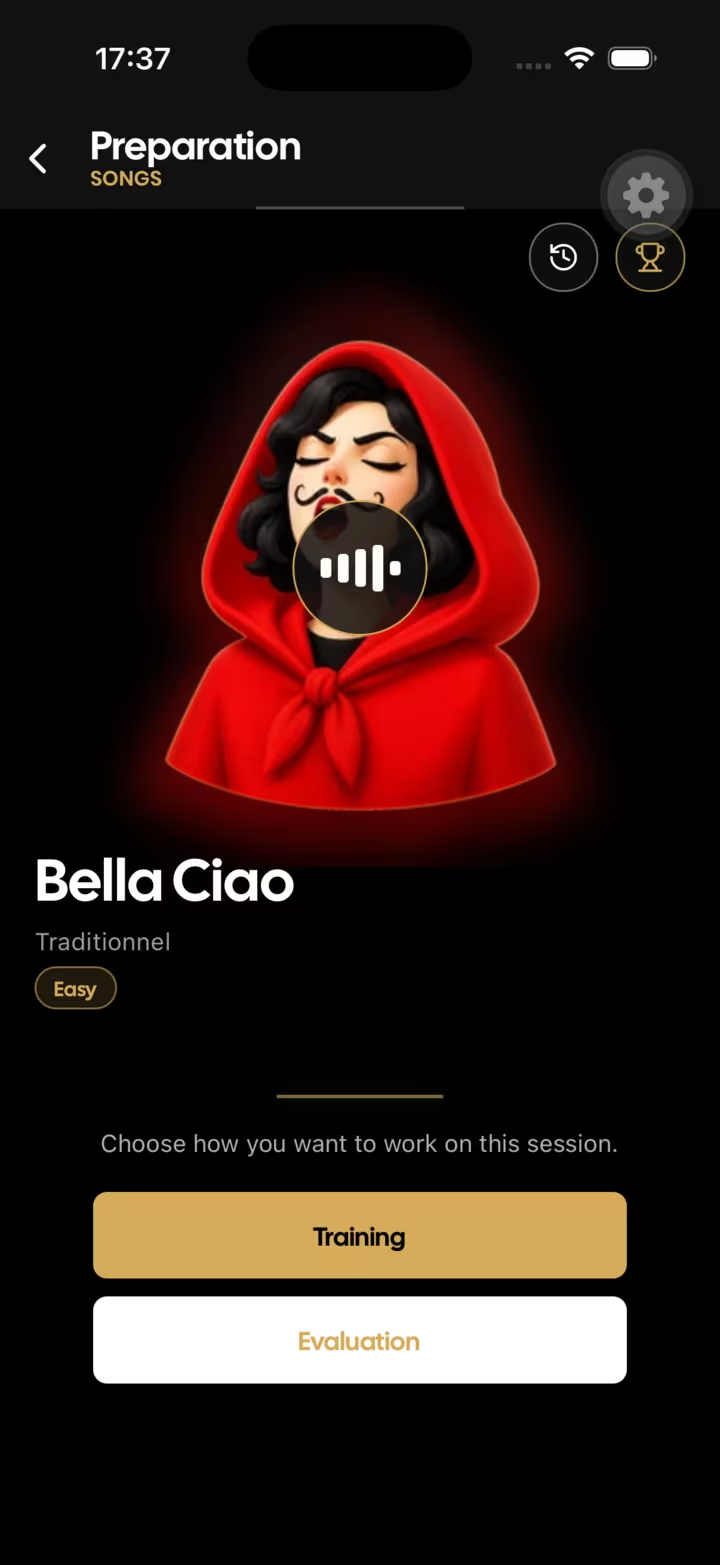
Choose the right mode
One mode is flexible and forgiving. The other captures a complete attempt so you can review it without changing the conditions halfway through.
Adjust speed, repeat sections, choose audio layers and use visual guidance while you solve a musical problem.
Let the cursor follow the timeline or use the microphone to react to the notes you play when supported.
Complete a performance, let SaxoTools analyse it, then inspect the score, replay and progress history.
How it works
Use flexible controls until rhythm, notes and fingering feel reliable.
Play the complete session under stable conditions without stopping to edit the setup.
Review the result and return to training with one specific improvement in mind.
Training and evaluation
Interactive listening and evaluation are different operations. SaxoTools asks for permission before using the microphone or camera, and evaluation can record audio or video for analysis and review.
Built for saxophone practice
This separation helps beginners avoid being judged while learning and gives experienced players a repeatable way to test a complete session.
“Exactly the kind of app this saxophonist was looking for: it listens to the playing and gives useful feedback.”Read reviews on the App Store
Frequently asked questions
Features that listen interactively and features that record for evaluation are presented separately. SaxoTools requests the relevant permission before use.
On supported content, the microphone can help the cursor react to the notes you play instead of moving only with time.
Evaluation is designed to provide a result and a review of the completed session, with progress available over time.
Yes. Training mode is available for working without completing a scored take.
Keep practising
Your next session starts here
Use SaxoTools to turn songs, exercises and evaluations into a focused saxophone routine.